
There’s a task you did this week that you could do in your sleep. You’ve probably done it half asleep, too.
You know the one. Open the email. Download the attachment. Find the right folder. Rename the file. Tell someone it’s there. Repeat on Thursday.
Nobody put it in your job description. Nobody will ever thank you for it. And it quietly eats an hour a week, every week, forever.
This week I want you to give that task a name. Because once it has a name, it can have an exit date.
Why we keep doing it by hand
It’s not laziness. It’s the opposite.
The chore only takes five minutes. Setting up something to do it for you sounds like it takes a weekend and a computer science degree. So you do it by hand. Again. Five minutes at a time, it never feels worth fixing.
Add it up and it’s a different story. Five minutes every workday adds up to more than 21 hours a year. That’s almost three full workdays spent dragging files into folders.
There’s also the quiet fear: “If I automate it and it breaks, now it’s my problem.” Fair. Which is why we start small.
What Power Automate actually is
Power Automate is Microsoft’s tool for “when this happens, do that.”
When an email arrives with an attachment, save it to SharePoint. When someone submits a form, post a message in Teams. That’s a flow. A trigger, then a few steps.
Here’s the part most people miss: you may already have access.
Many Microsoft 365 work and school licenses include limited Power Automate capabilities, including cloud flows that use standard connectors.
More advanced capabilities, such as premium connectors and unattended desktop automation, require additional licensing.
Your exact entitlements depend on your Microsoft 365 plan, Power Automate license, and organizational settings.
To check, open Power Automate, select Settings, then View my licenses. You can also ask your IT administrator.
One important rule: automation doesn’t mean set it and forget it. Start with a low-risk task, test it, and check that it runs as expected before relying on it.
So the tool may already be available. The real question is what to point it at first.
How to pick a good first chore
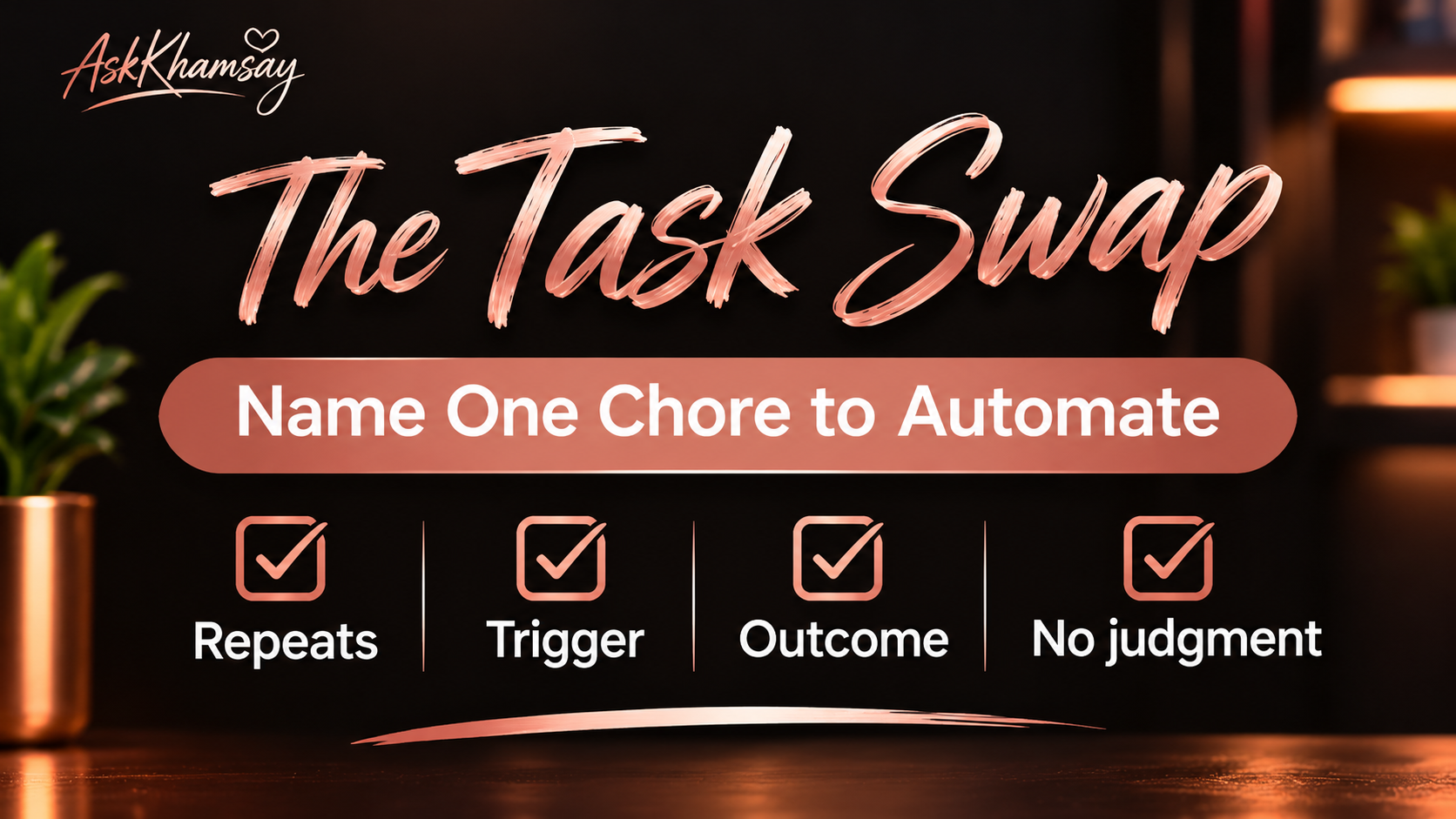
Not every task is a good first flow. A good one passes four checks:
- It repeats. At least weekly. Ideally more.
- It has a clear trigger. “An email arrives.” “A form gets submitted.” Not “when I feel like it’s time.”
- It has a clear outcome. The file is in the folder. The person got the message. Done.
- It needs no judgment call. If you have to squint and decide, it’s not a first flow. Save that one for later.
Four yeses? You’ve got a candidate. Any no? Keep it on the list, but don’t start there.
Need some ideas? Here are the usual suspects.
Five boring chores people automate first
These are examples, not promises. What works depends on your plan, your settings, and what your admin allows.
- Email attachments to SharePoint. Invoices, receipts, or reports land in a SharePoint folder without you touching them.
- Form to Teams. Someone fills out a Microsoft Form and the right channel hears about it right away.
- Approval routing. A request automatically goes to the right manager, who approves or rejects it. The flow handles the notifications and follow-up, so nobody has to chase email responses.
- Moving or renaming files. New files get filed where they belong with a consistent name.
- The “this has been sitting too long” reminder. A nudge when a file or request hasn’t moved in a few days.
Notice what they have in common. Clear trigger. Clear outcome. And less repetitive work for the person responsible.
Now it’s your turn.
Do this now (5 to 10 minutes)
- Name the chore. Write one sentence: “Every [week/day], I [do this] when [this happens].”
- Run the four checks. Repeats, clear trigger, clear outcome, no judgment call.
- Write down the trigger and the finish line. What starts it? What does done look like?
- Check your licenses. Power Automate, Settings, View my licenses. Or ask IT.
- Pick one. Not three. One.
If it passes, congratulations. You just found your first flow.
Coming next: Build it
The companion blog post, “Your First Power Automate Flow: Replace One Annoying Manual Task,” walks through building one small flow step by step. It’s coming soon on AskKhamsay.com/blog.
Bring the chore you named today. That’s your homework.
Tell me your chore
Hit reply and tell me the one task you’d most like gone. I read them, and I may feature a few responses in a future issue, with identifying details removed.