

Small business website
Candles Made With Love
Small-batch candles and resin keepsakes · Pensacola

I help teams and small businesses use AI safely and build workflows people will actually use.
Websites / Workflows & Power Platform / Practical AI
I’m Khamsay, a Microsoft 365, SharePoint and AI consultant in Rhode Island with nearly 30 years in IT.
I help teams and small businesses use AI safely, protect client and company data, and build workflows people will actually use.
PROMPT. CREATE. IMPACT.
Not sure what’s safe to share?
Get clarity on how your team is using AI and where client or company information needs better guardrails.
$350–$750
Learn moreWhat’s Copilot exposing?
Before expanding Copilot, understand where SharePoint permissions and oversharing could expose information that shouldn’t be broadly accessible.
SharePoint Oversharing Review
$2,500–$4,500 by tenant size
Learn moreAre your people using ChatGPT safely?
A practical, live 60-minute Microsoft Teams workshop covering safer everyday ChatGPT use, protecting information, and building better habits.
$27 per seat
Book when ready“Khamsay was on my IT team at Lin Media, and her work outlasted her time there — we still use the basis of the change request form she built in SharePoint years later. She didn't just build what you asked for; she built what actually worked for the team. That's rare.”
Selected work
Real projects. Practical solutions. Work built to solve actual problems.
Small business website
Small-batch candles and resin keepsakes · Pensacola
2026
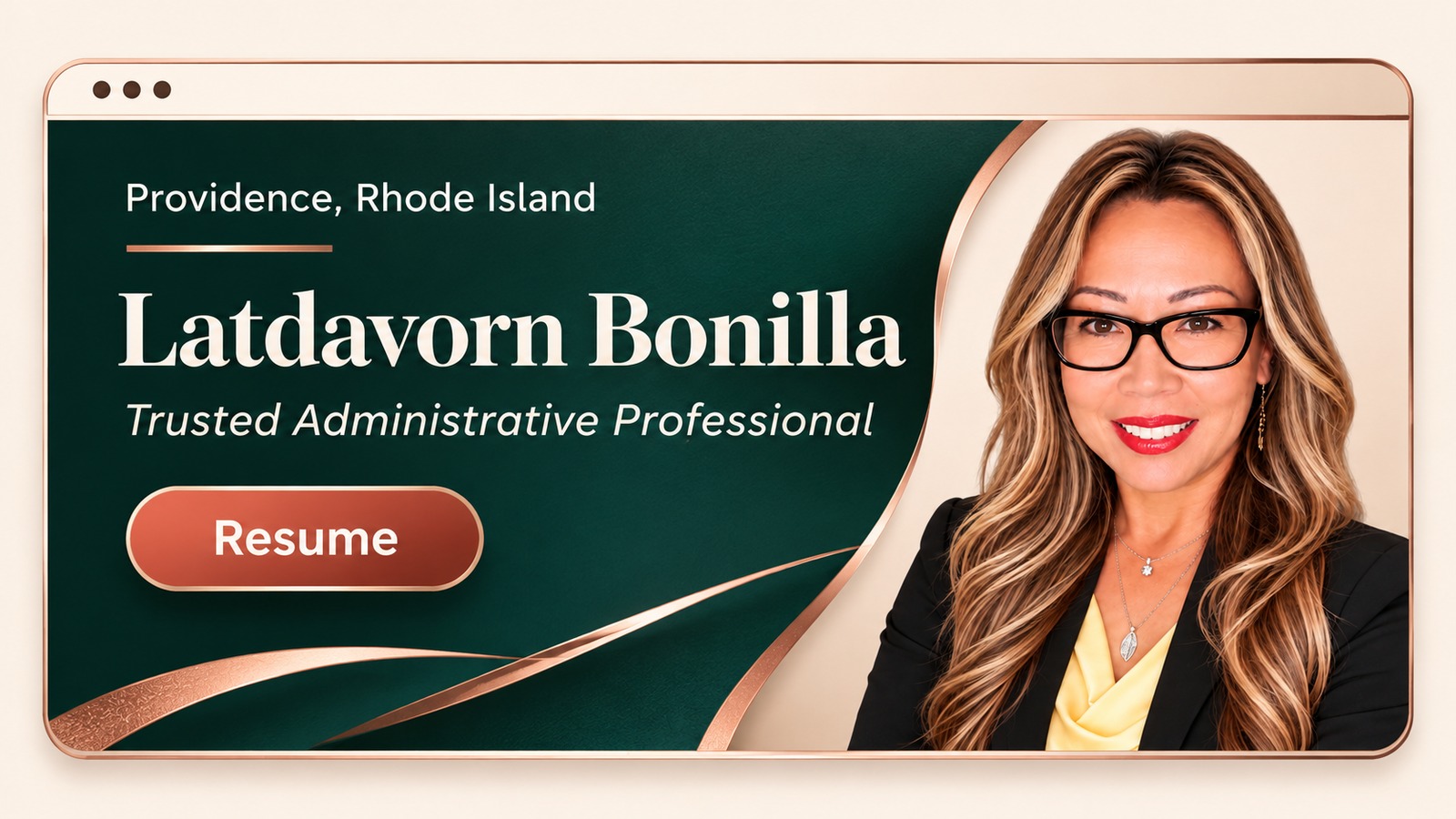
Personal resume website, built and launched, plus help shaping her LinkedIn profile

2026
Mirror photo booth rental website and booking request flow
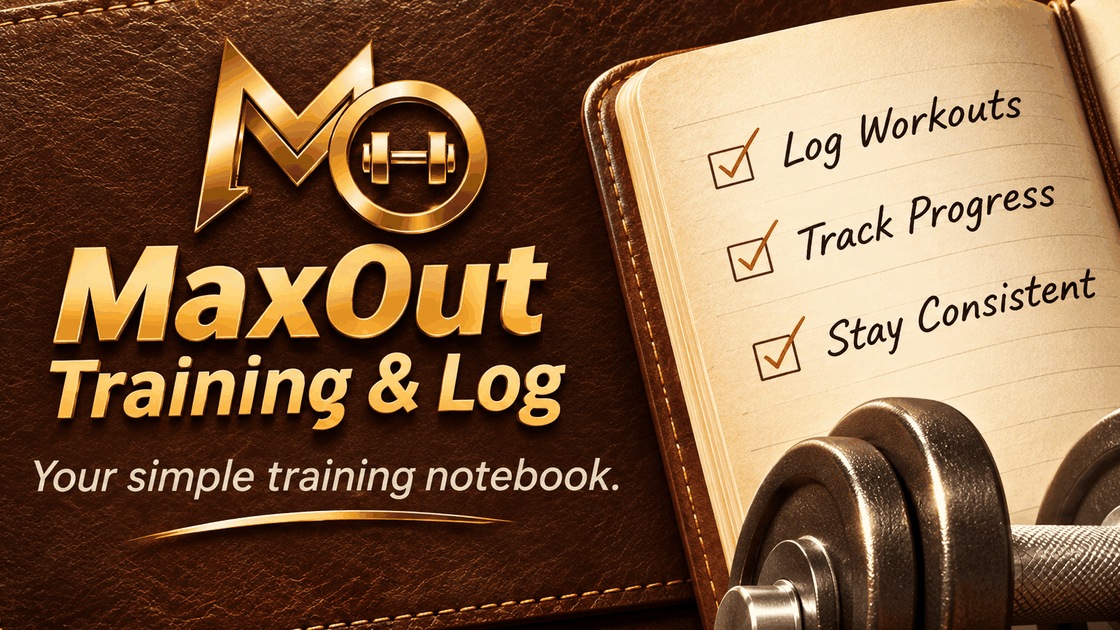
2026 · Pilot
Mobile-first strength training and workout tracking app
Your company already pays for the tools.
Microsoft 365 is there.
Copilot licenses are sitting unused.
And someone has probably pasted something into ChatGPT they shouldn’t have.
The problem isn’t another tool.
It’s knowing what to use, how to use it, and where to start.
That’s where I come in.
We find the bottlenecks, set practical guardrails, and make the tools work for your people.
02 / Where do we start?
Start with the problem you’re trying to solve. We’ll figure out the next step from there.
03 / Readiness check
A quick look at where your team stands with AI.
About one minute. No complicated assessment. Just a clearer starting point.
04 / AI Prompt Library
Better instructions make a difference.
Explore practical prompts you can adapt for your everyday work, business, and AI workflows.
The full prompt library is free. Browse and copy any prompt, no sign-in needed.
1:1 coaching
Want help putting it to work?
Sometimes you don’t need another course.
You need someone to help you work through the problem, improve your approach, and get unstuck.
Tell me what you want to work on and I will send a quote.
Keep exploring
Not sure which starting point fits?
05 / Start a conversation
Let’s talk about what you’re trying to accomplish.